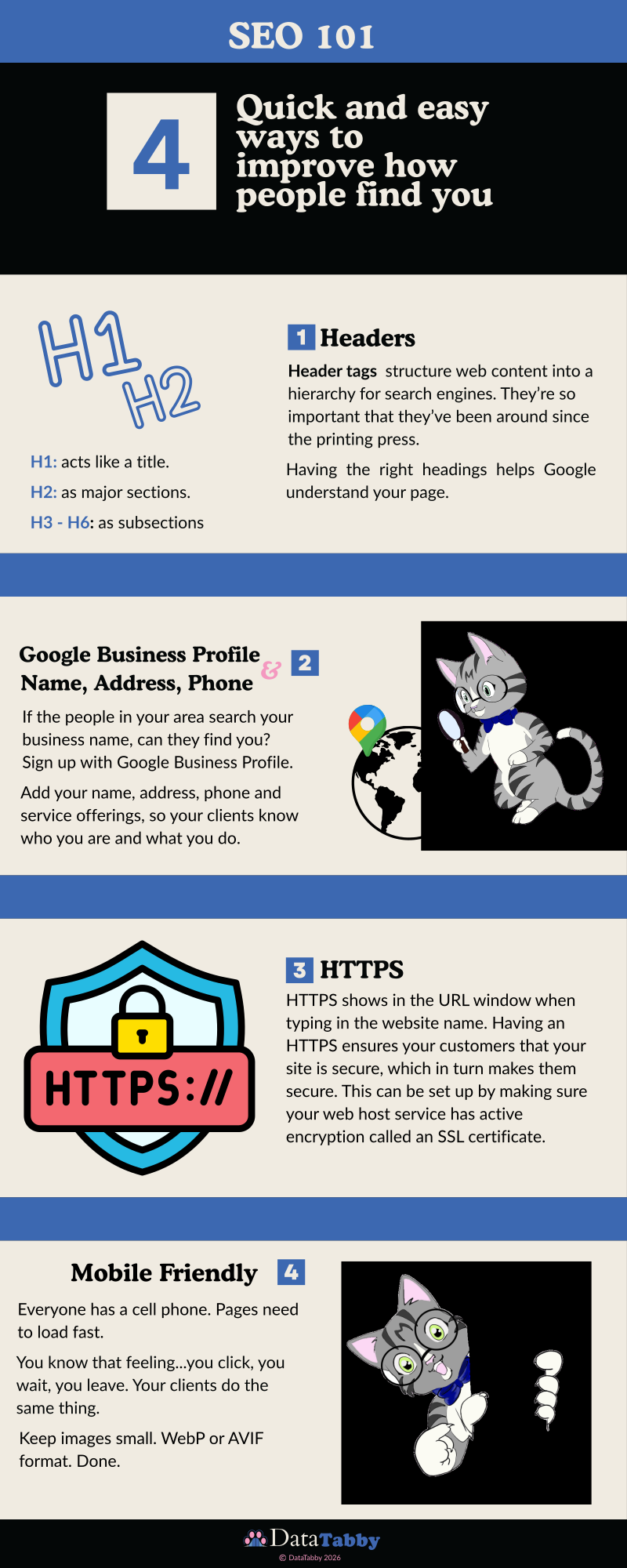
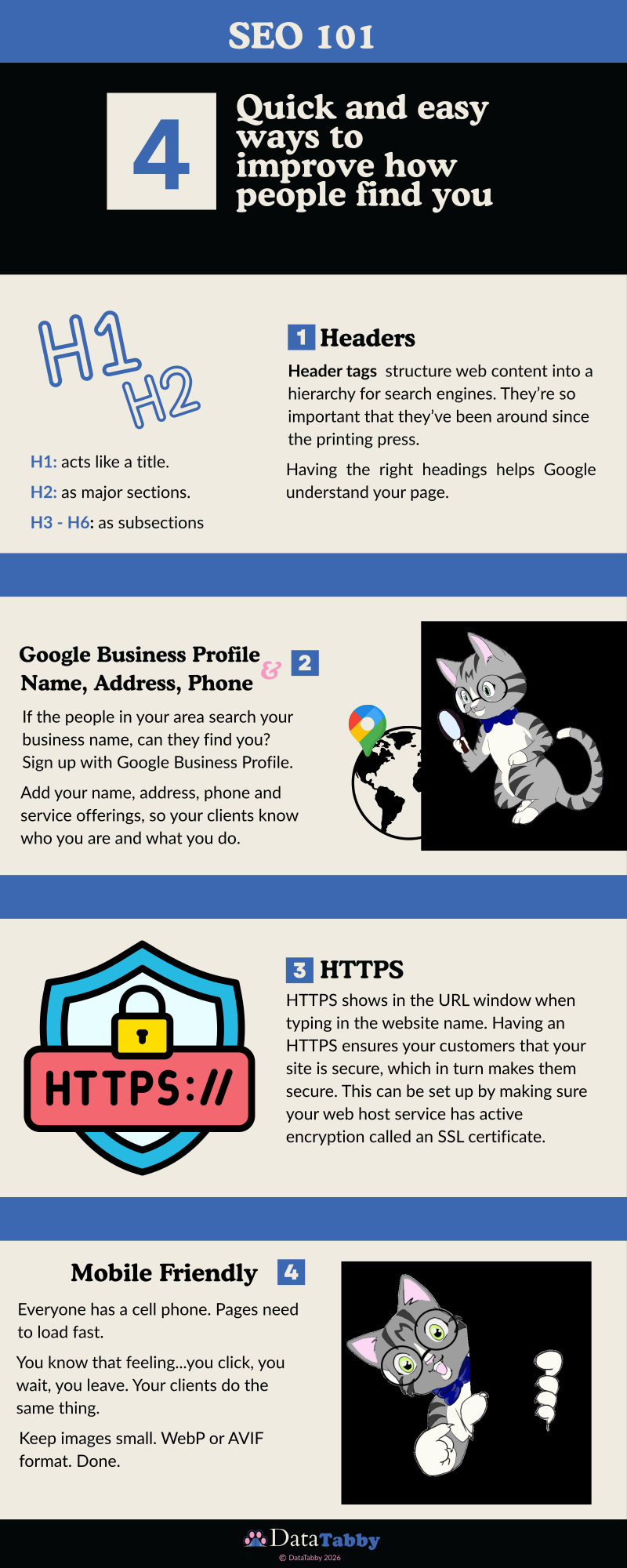
4 Quick and easy ways to improve how people find you
What is SEO? Search Engine Optimization is, in a nutshell, a way to get more people to find your website. Leading to more sales and giving people more information, which is why you have a website to begin with. It’s a way to make it easier for Google, and now AI, to see your site, and suggest you when your customers search for you. If you’ve ever wondered why your competitor shows up on Google and you don’t, this is why.
1. Headers: The Old School Tried And True Code for Layout
In the before times, long before Google existed, before even the internet existed, publishers were already solving the same problems we have now. How do you help someone find what they’re looking for in a wall of text?
The answer was headers. Newspapers used them. Books used them. Magazines (Remember those?) used them. Structure has always been how humans navigate information.
Google learned from that. When Google dives into your website, it reads your headers first. They act as a map, telling the algorithm what your page is actually about before it reads a single paragraph
Here’s how the hierarchy works:
H1: Your page title. You only get one. This is the big idea.
H2: Your major sections. Think chapters.
H3-H6: Subsections, supporting points, details.
A real example for a bakery website:
H1: Custom Cakes in Chesapeake, Virginia
H2: Wedding Cakes
H3: Fondant vs Buttercream — Which is Right for Your Wedding?
2. Google Business Profile & NAP: Can People Actually Find You?
Here’s a quick test.
Open Google and search your business name. What comes up?
If the answer is “nothing” or “something that looks outdated” then oh boy do we have work to do.
Your Google Business Profile (GBP) is your digital storefront before anyone even visits your website. It’s what shows up when someone searches for you or for what you do near them. Name, address, phone number — what the industry calls NAP — needs to be consistent everywhere it appears online. Your website, your GBP, your social media, all of it. Even small differences confuse Google and that confusion costs you visibility.
But here’s where it gets really good…
Reviews. Don’t shy away from asking for them. When a happy client posts a Google review they’re not just leaving a star rating, they’re becoming Aunt Janice. They’re the trusted voice telling someone in their circle “I found somebody good, here’s exactly why.” Google sees that. Future clients see that. Credibility isn’t just built by what you say about yourself. It’s built by what others say about you when you’re not in the room.
3. HTTPS: The Little Padlock That Does a Lot
You’ve seen it. You’re about to visit a website and your browser throws up a wall:
“This site isn’t safe. Do you want to continue?”
With a pop-up and an X, and you don’t want to continue. Nobody does. You close the tab quick and find someone else.
That warning — the one Firefox and other browsers throw up when a site isn’t secure — isn’t just an inconvenience. For a business, it’s a reputation moment happening before a single word of your website gets read. Before they see your prices. Before they see your work. Before they even know your name.
The fix is an SSL certificate, which tells browsers your site is encrypted and safe. When it’s active, visitors see a little padlock next to your URL instead of a warning.
That padlock is doing quiet, powerful work. It tells your potential customer from the get-go, that you’re legitimate, you’re prepared, and you’re safe to do business with. Trust is built in small moments. That padlock is one of them.
Most web hosts, as in, the company that holds your website like Bluehost, GoDaddy, or Squarespace, activate SSL for free. If yours isn’t active, that’s the first thing to fix today.
4. Mobile Friendly: Because Everyone is on Their Phone
Pull up your website on your phone right now. Go ahead, I’ll wait.
Can you read it without zooming in? Are the buttons big enough to tap without accidentally hitting three other things? Does it load before you lose the will to live?
If the answer to any of those is “…not really” then your mobile visitors are already leaving.
Here’s the thing. More than half of all web traffic comes from mobile devices. Google knows this too, which is why mobile friendliness is a ranking factor. A site that works beautifully on a desktop but falls apart on a phone is invisible to the people searching for you while they’re out living their lives.
You know that feeling — you click, you wait, you leave. Your clients do the same thing. You have milliseconds before you lose someone’s interest.
A few things that make a big difference…
Images are the biggest culprit for slow load times. Save them in WebP or AVIF format and keep the file sizes small. Your visitors shouldn’t be downloading your entire photo album just to see your homepage.
Make sure your text is readable without zooming. Buttons should be big enough for actual human thumbs (and sometimes paws). And if something looks off on a smaller screen, your visitors won’t troubleshoot it, they’ll just leave.
Most website builders handle the basics of mobile responsiveness automatically. But always check when building your site. Always.
Getting all of this in place may take a little bit, and that’s okay. You don’t have to figure all of this out alone. If you want someone to look at your site and tell you exactly where to start, that’s what DataTabby is here for. 🐾